Grounded tutoring
Students can ask about an academic topic or select an uploaded material. Mentra retrieves relevant passages and returns a clear explanation with citations back to the source.
AI learning platform · Product design + software development · 2026
Mentra is an AI study companion built for African learners from primary school through university. It brings files, grounded tutoring, summaries, practice and planning into one connected learning system.
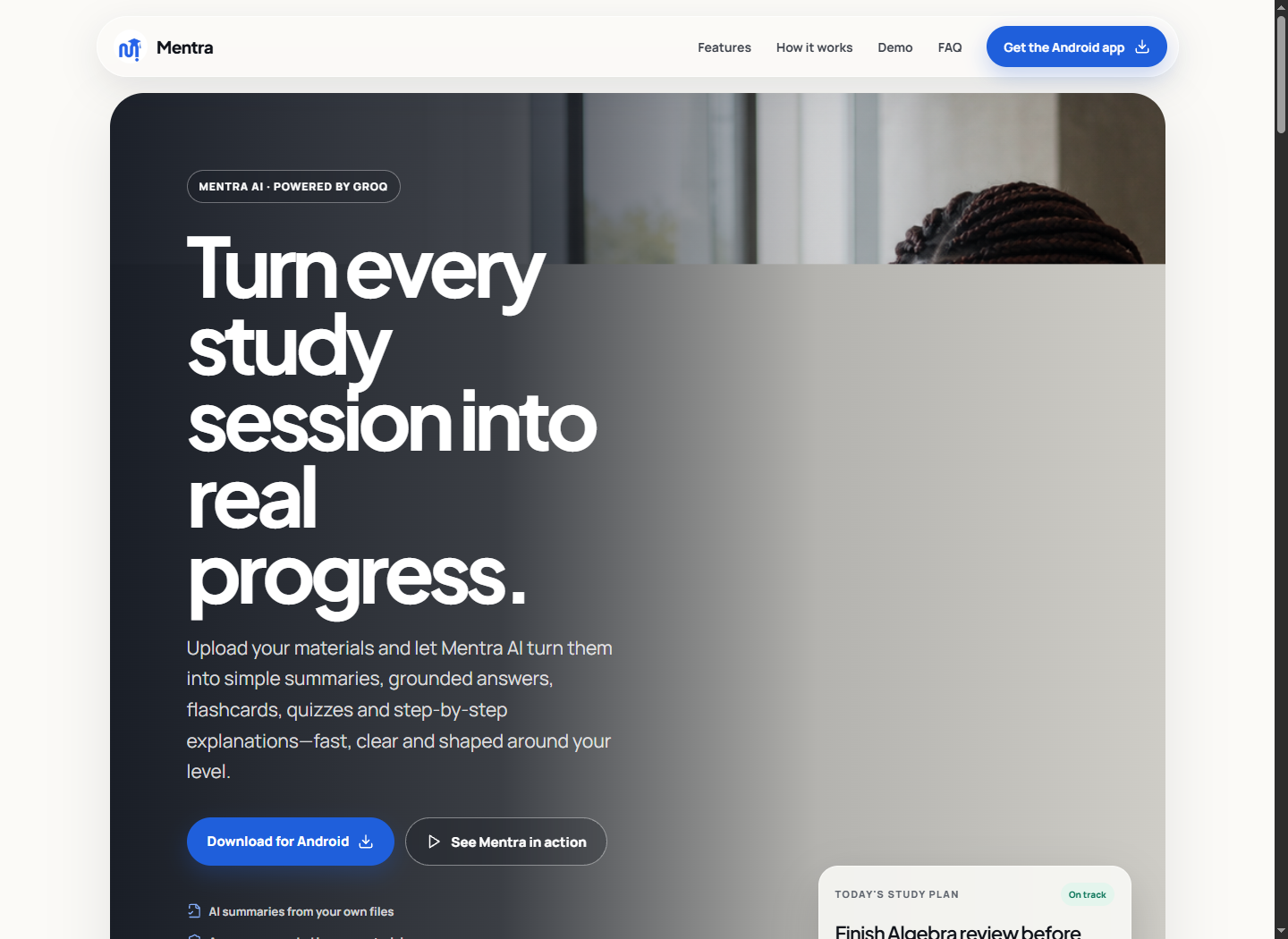 Live product · learnwithmentra.vercel.app ↗
The opportunity / 01
Learning often happens across disconnected tools: files in one place, generic AI chat in another, practice somewhere else and reminders in a calendar. That fragmentation costs time, loses context and makes the next step unclear. I shaped Mentra around a single loop: add what you are learning, understand it with AI, practise it actively, then return with a plan.
Product system / 02
Students can ask about an academic topic or select an uploaded material. Mentra retrieves relevant passages and returns a clear explanation with citations back to the source.
PDFs, Word documents, slides, spreadsheets, notes and images become summaries, key points and revision-ready study tools instead of sitting unread in a folder.
The same material can generate flashcards and varied quizzes, while the solver works through typed or photographed maths and science problems step by step.
A personal library, reading progress, practice history, study plans and local reminders connect one AI response to the learner’s next useful action.
Product communication / 03
The public experience presents Mentra through the jobs learners recognise: getting a clear answer, simplifying long materials, creating active-recall practice and seeing every step in a solution. This keeps the product approachable even when the system underneath is complex.
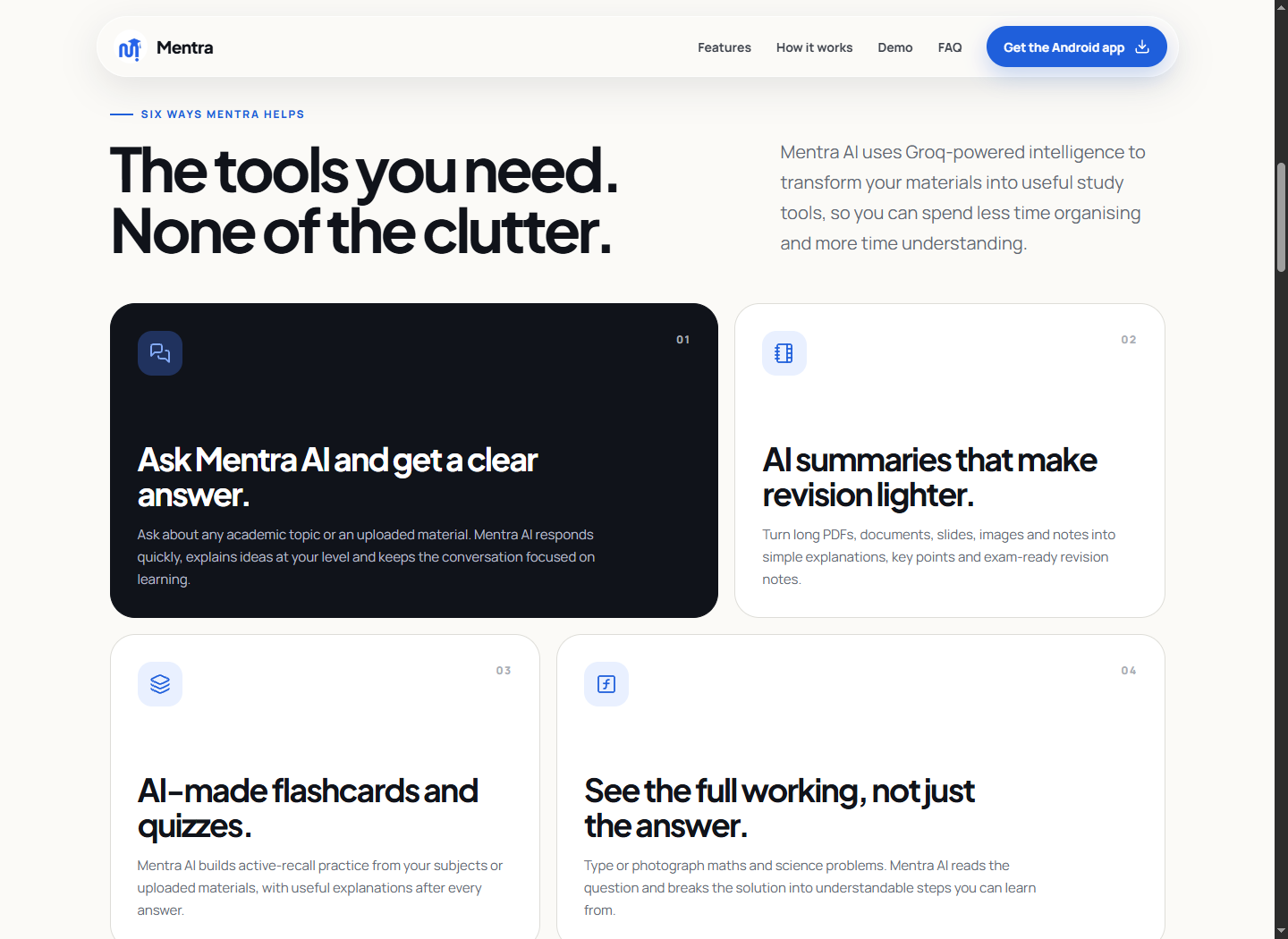
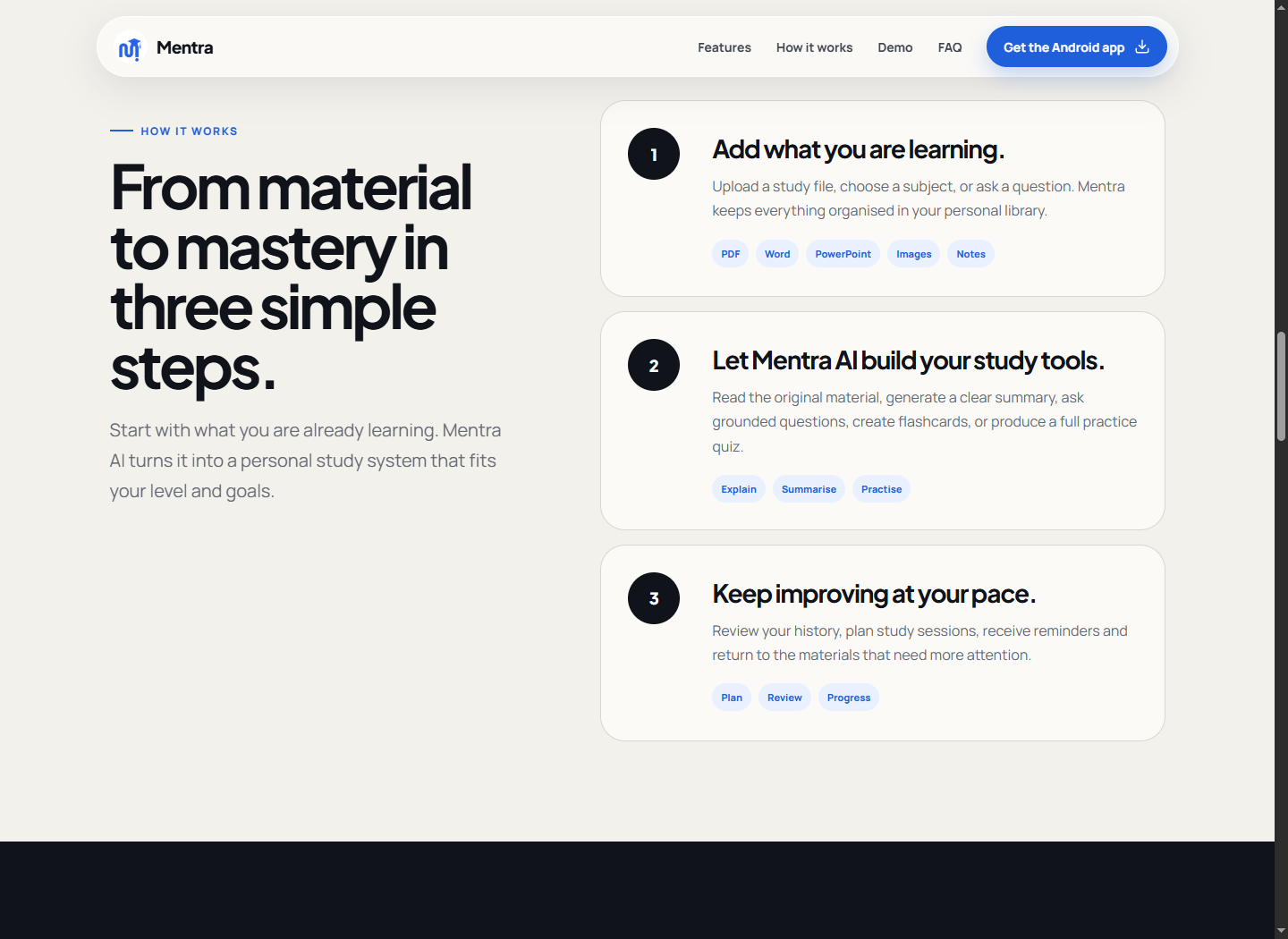
Experience architecture / 04
The experience moves from material to mastery: add a file or question, let Mentra create useful study tools, then return through practice history, plans and reminders. Every feature has a place in that loop, which prevents the app from feeling like an overloaded dashboard.
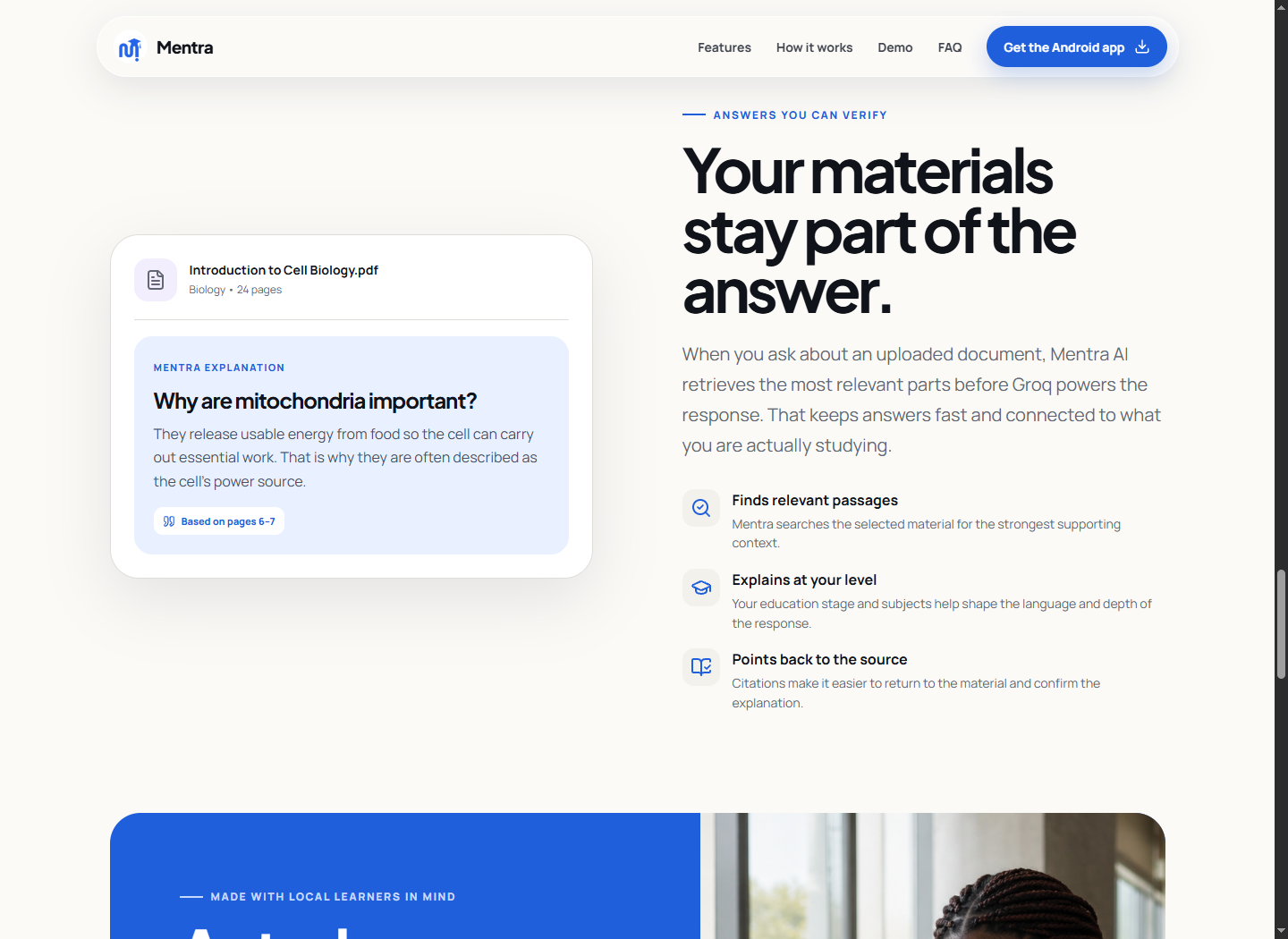
Grounded intelligence / 05
For material-based questions, the backend verifies the learner, retrieves only their file, extracts readable content, finds relevant passages and sends that context to Groq. The answer points back to pages or sections so learners can verify explanations instead of trusting an isolated response.
How it was built / 06
Mentra is not a visual prototype. I worked across the interface, application logic, data model, secure AI boundary and web launch. The architecture keeps model credentials out of the client, protects private learning files and gives each AI workflow a typed, testable contract.
Expo 54, React Native 0.81, React 19 and TypeScript 5.9
Responsive native screens, React Native Web, design tokens and accessible loading states
Supabase Auth, Postgres, private Storage and row-level access policies
Protected Supabase Edge Function with Groq chat completions and structured outputs
File upload, text extraction, relevant-passage retrieval and source citations
Document and image pickers, PDF reading, AsyncStorage and local notifications
Responsive marketing experience deployed on Vercel
GitHub, VS Code, Expo/EAS workflows, type checking and device testing
Languages & tools / 07
Important implementation choices / 08
Supabase authentication, private file storage and row-level ownership rules keep one learner’s materials separate from another’s.
The client calls a protected Edge Function. Groq credentials, document extraction and privileged storage access never ship inside the mobile app.
The upload pipeline handles PDFs, Office files, text, spreadsheets and common images while avoiding memory-heavy base64 uploads on lower-end Android devices.
Loading, empty, validation and provider-limit states explain what happened and give the learner a clear next action instead of a generic error.
What this project demonstrates / 09
“AI becomes useful when product structure, trusted context and the next human action work together.”
Mentra demonstrates how I combine product design and software development: defining a focused learner journey, translating it into a reusable interface system, building secure data and AI flows, and communicating the finished product through a responsive launch experience.
See the product
Visit the product website to see the complete feature story and access the current Android build.
Visit Mentra ↗